

164·
2 months ago
I just have my vault default location saved on a cloud drive. iCloud in my case as I have an IPhone but I guess it could be done with any cloud or owncloud if you have a server.
I used to use Git, but it is easier to just move the vault on a network/cloud drive as you don’t need to pull/push. As obsidian auto save when you type a character this makes the sync instantaneous with zero effort.
I made the switch from YNAB cause !fucksubscriptions@lemmy.world
I only had a small understanding problem at the beginning but then I quickly managed to replicate my YNAB (and import the data).
Now that I’m used to it I don’t see any problems and I like it. I believe you can try it locally without running the server version.
The lack of mobile app could be a downside but I don’t budget on my phone.
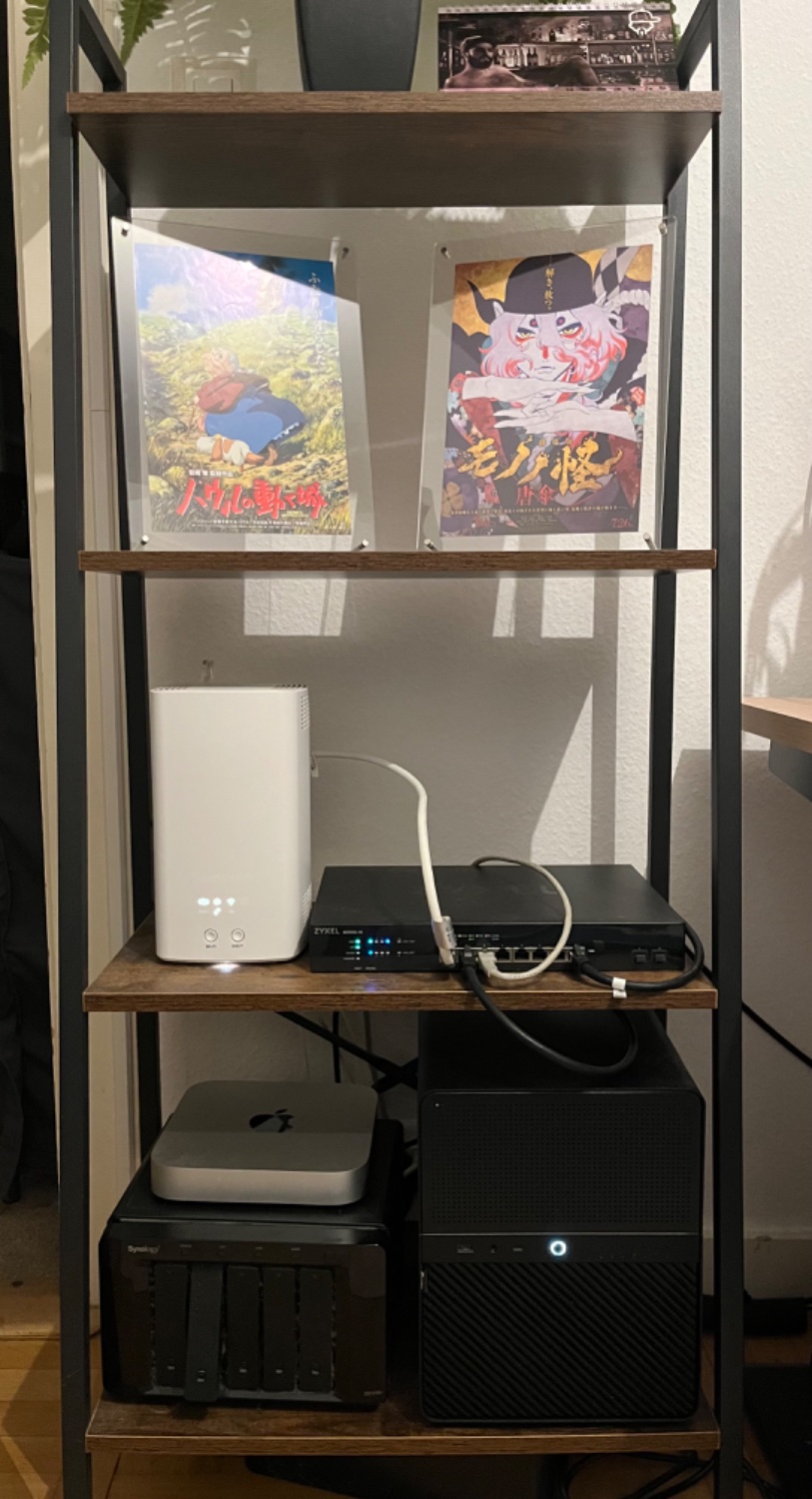
A simple homemade NAS, mostly for hosting my Plex library, VPN+torrent and cloud.
The synology needs to be emptied, removed and sold.
The m2 Mac mini was hosting some docker like pihole and actual budget but those are now on another Mac mini used as a workstation, so this one will be sold as well.
It is very good but depend on what you want to host.
I have a second hand cheapest M2 with Asahi Linux and some container (like pihole) but not much. I like that it is small, silent and energy efficient (and it can run Xplane12 in 4k !). But I have an homemade NAS so most of the multimedia stuff and containers are on here and not on the MacMini.
The M4 seems incredible, but Asahi Linux only support M1 and 2 at the moment (it might work with M4 tho).
The problem with the mini would be disk space if you are looking for a NAS usage, although I have seen here on lemmy a dude making a Mac Mini NAS (can’t find the post anymore).
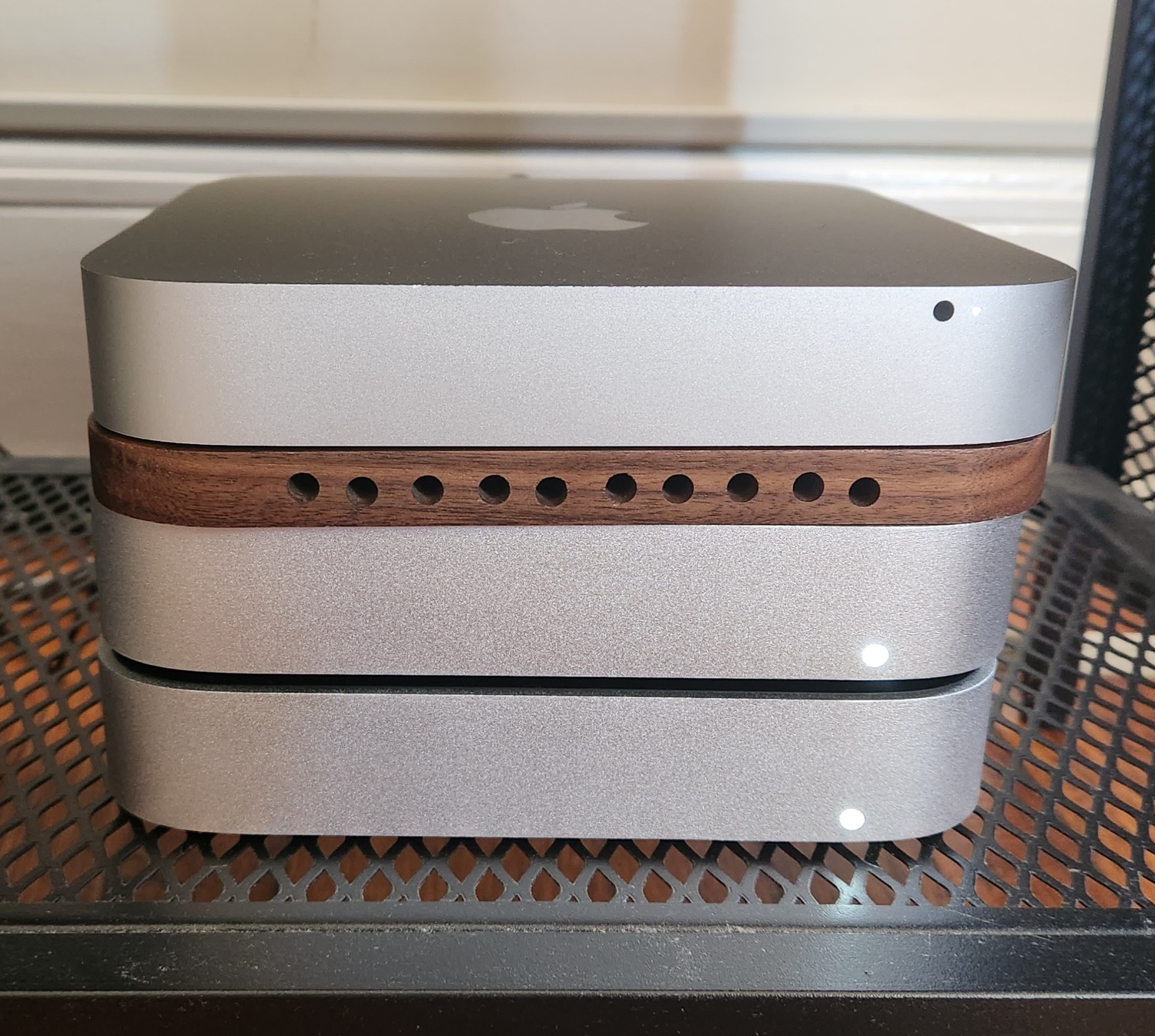
But even without Asahi, an M4 with Mac OS, docker and a VM if needed would be plenty of power for price and energy. You can also upgrade to a 10Gbe NIC if your network supports it. Plug it to some screens and you have a workstation + docker server in one place.
Hardware related on a Linux home built NAS.
My mobo has 2 nvme ports and supports 10th and 11th gen intel cpu. I have a 10th gen i5 and 2 nvme ssd for cache.
The biggest 512Gb ssd is on the front (normal) side of the mobo, under a heatsink. The smaller 128Gb is under the mobo, inaccessible once fixed onto the case.
In bios and in OS I can’t see the 512 cache drive, only the 128. Quick RTFM on the motherboard manual states: “Front nvme slot only works with 11th gen cpu”.
FFS 🤦♂️
The server is fully built in a hard to fit everything ITX case.
Guess who is having only 128Gb cache instead of disassembling everything ?
