
• 4 Posts
  • 23 Comments
Joined 3 years ago
cake
Cake day: June 21st, 2023

help-circle
  • So on arch can you choose to run the deb anyway and get updates through the package manager, or is it that only AUR applications are the main application type? Or can you use both?

    I have a number of apps that are super small teams/individual made that I can’t expect them to care about the AUR. What do you do in the case that an app developer doesn’t use the AUR?




  • First thing I wanna implore you do is create a separate partition on your boot drive for your /home folder. Distro hopping is super normal when you’re starting out, and by separating your home folder makes distro hopping very easy.

    Bazzite, like others suggested, is your best bet at a first attempt because it’s much harder to cause irreparable damage with a stray terminal command.

    All of the apps you listed should work just fine under Linux. Bazzite ships with Steam and Lutris (it’s a game store aggregator) to get you started with gaming. Use Microsoft 365 online or one of the open sourced alternatives like libreoffice for office apps. The rest of the programs should either be able to be run with wine/bottles/WinApps.

    A 1050 is kinda paltry by today’s standards, so just don’t expect a big bump in gaming performance or super snappy emulation.


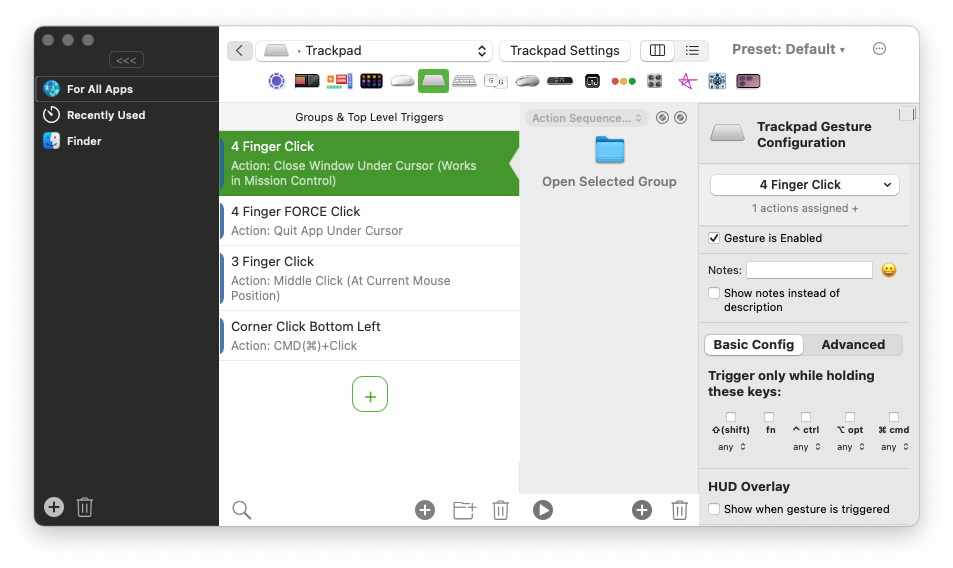
  • The multitouch trackpad for me is a great way to get the eye candy of having linear animations tied to your finger movement. In a practical sense, I use linear animations in MacOS to “peek” between desktops and pages in Safari all the time. The fact of the matter is that linear animations are just far smoother, and useful than ones that snap into place from a single input trigger. I even have a trackpad for my home desktop setup and literally don’t use my traditional mouse unless I’m playing a game that doesn’t support controllers.

    A good example of this is to compare Windows’s app exposé with the MacOS one. In Windows when you swipe up (or down? I forget which one) with 4 (3?) fingers, once you hit a certain point the app exposé just appears no matter how slow or fast you’re doing the gesture. On MacOS, you can do the app expose gesture on the trackpad as slow or as fast as you want and it’ll animate in time with the speed of your fingers doing the gesture.