This reminds me of when I sent someone a program in a zip folder. Windows now opens zip folders by default, and it looks just like any other folder.
So of course they opened the zip and double clicked the exe, but everyone knows you can’t open an exe inside a zip folder (at least, if the exe depends on the folders and files around it). If you try to, windows will extract the exe into a temp space, but leave all the dependencies behind. So the exe promptly crashes.
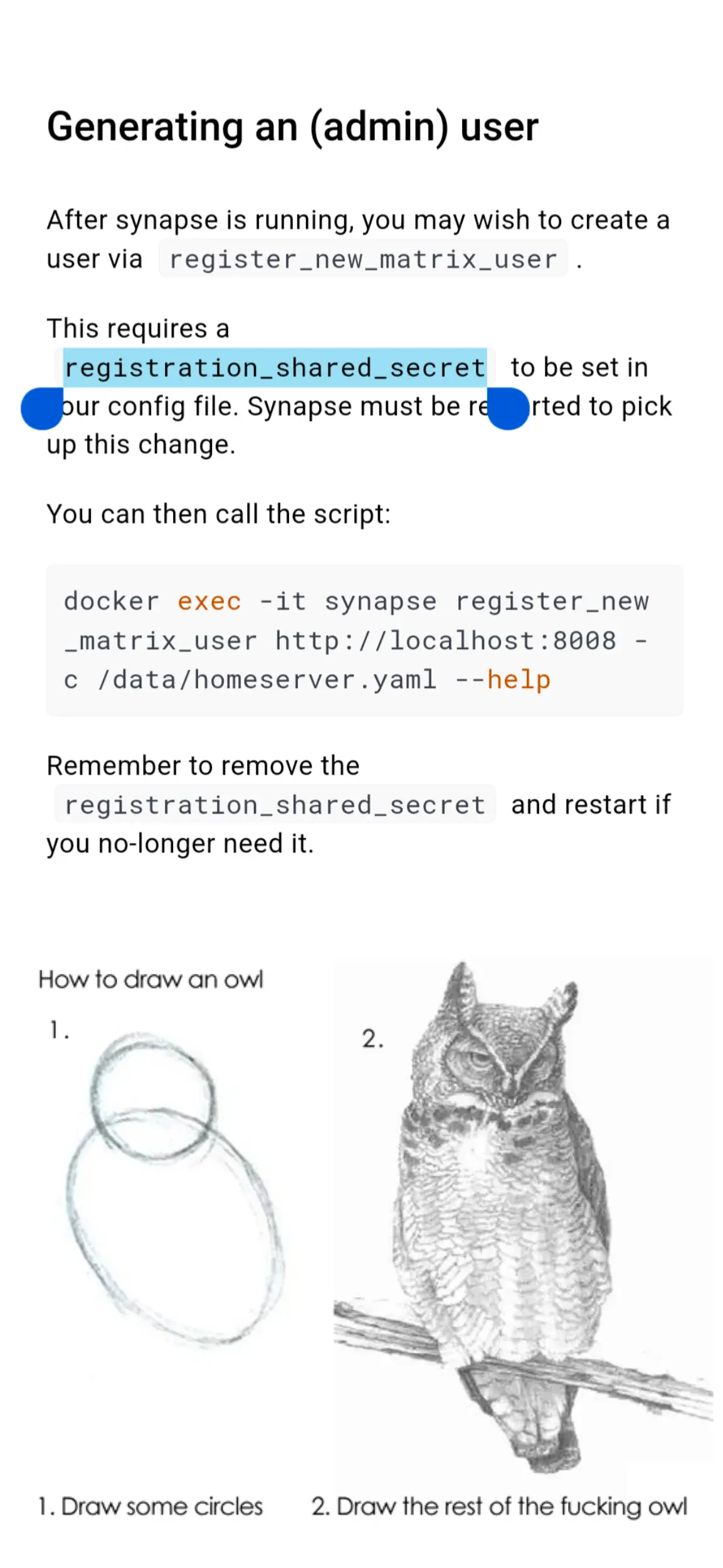
I didn’t think I needed to specify “you need to extract the contents of the zip folder first, then run the exe.” It feels like saying “you need to take the blender out of the box before you can use it. And not just the _base _ of the blender, you have to take out all the parts.”
Some things just feel so much like second nature that we forget.
I totally and completely blame Microsoft for this. They do so many other ridiculous things in the name of not confusing the average tech illiterate user.
Clicking a Zip file and having it transparently open and treating it like a regular folder when it is not. This. THIS is borderline criminal.
Imo not really noob-user friendly.
My proposal: Keep current behaviour and make a prompt if the user tries to run an executable. Prompt should be something like “You are trying to open an executable, would you like to extract the whole folder in the current directory?”. This way the user can still browse the zip with relative ease.
Upside from Windows: We have only a handful of extensions unlike (afaik) Linux where everything can be made executable and be run.
In what way? It would make it entirely invisible that the archive file isn’t just a normal folder, it would be possible to use it just as if it were. What would be unfriendly about that?


This reminds me of when I sent someone a program in a zip folder. Windows now opens zip folders by default, and it looks just like any other folder.
So of course they opened the zip and double clicked the exe, but everyone knows you can’t open an exe inside a zip folder (at least, if the exe depends on the folders and files around it). If you try to, windows will extract the exe into a temp space, but leave all the dependencies behind. So the exe promptly crashes.
I didn’t think I needed to specify “you need to extract the contents of the zip folder first, then run the exe.” It feels like saying “you need to take the blender out of the box before you can use it. And not just the _base _ of the blender, you have to take out all the parts.”
Some things just feel so much like second nature that we forget.
I totally and completely blame Microsoft for this. They do so many other ridiculous things in the name of not confusing the average tech illiterate user.
Clicking a Zip file and having it transparently open and treating it like a regular folder when it is not. This. THIS is borderline criminal.
Propose a better way to browse the contents of a zip folder in a native 1st party way
The operating system could mount it as a virtual drive, then all its contents could be used directly just like any regular folder.
Imo not really noob-user friendly.
My proposal: Keep current behaviour and make a prompt if the user tries to run an executable. Prompt should be something like “You are trying to open an executable, would you like to extract the whole folder in the current directory?”. This way the user can still browse the zip with relative ease.
Upside from Windows: We have only a handful of extensions unlike (afaik) Linux where everything can be made executable and be run.
In what way? It would make it entirely invisible that the archive file isn’t just a normal folder, it would be possible to use it just as if it were. What would be unfriendly about that?